
Set Up Your Gift Registry
Create your wedding gift registry with products and cash funds so guests can contribute to your big day.
Last updated February 21, 2026
Getting started
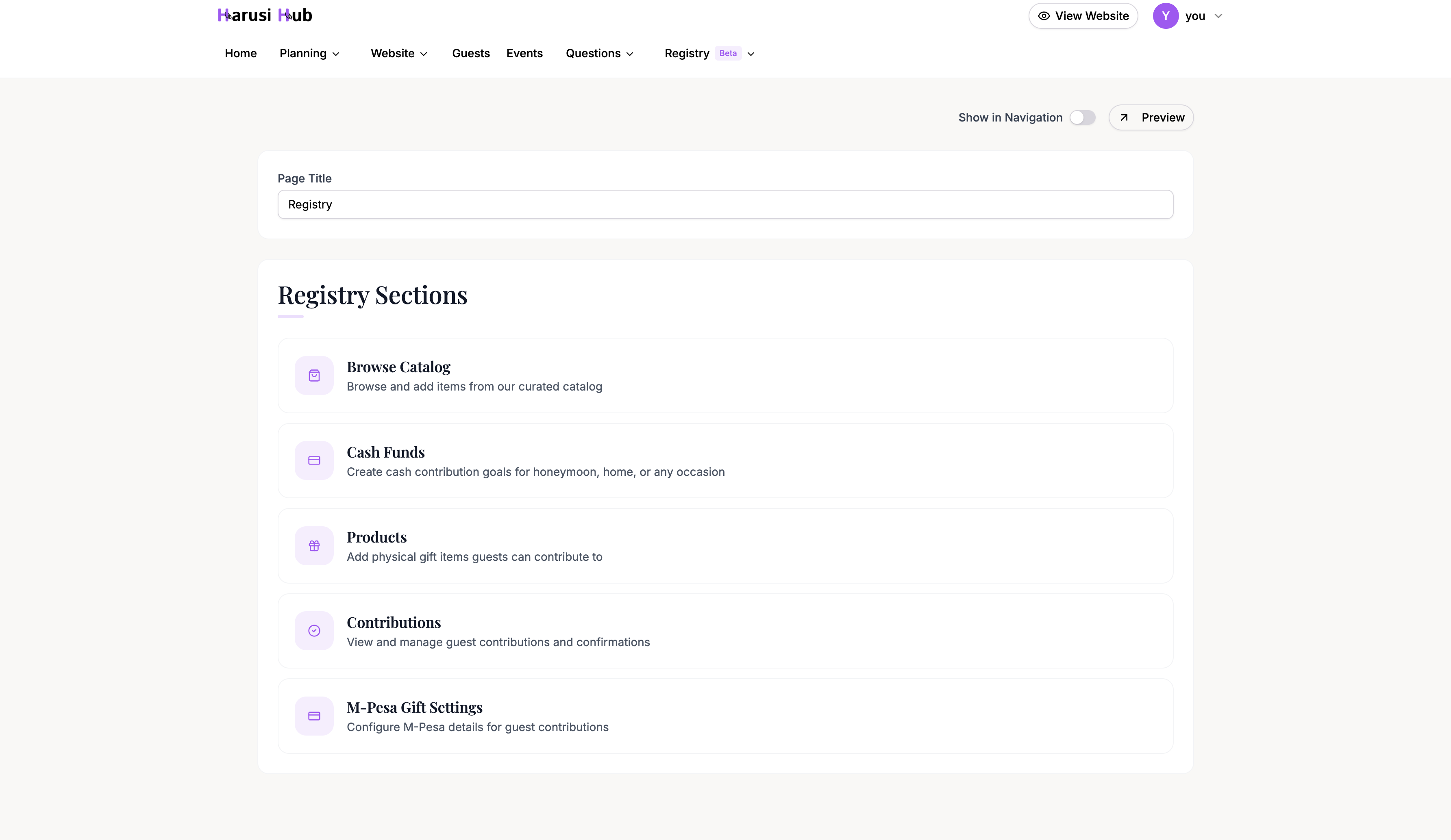
To set up your gift registry, head to Dashboard > Registry from the left sidebar. This opens the Registry Hub — your central page for managing everything registry-related.
From the hub you can navigate to three sections: Products, Funds, and Contributions.
Registry page settings
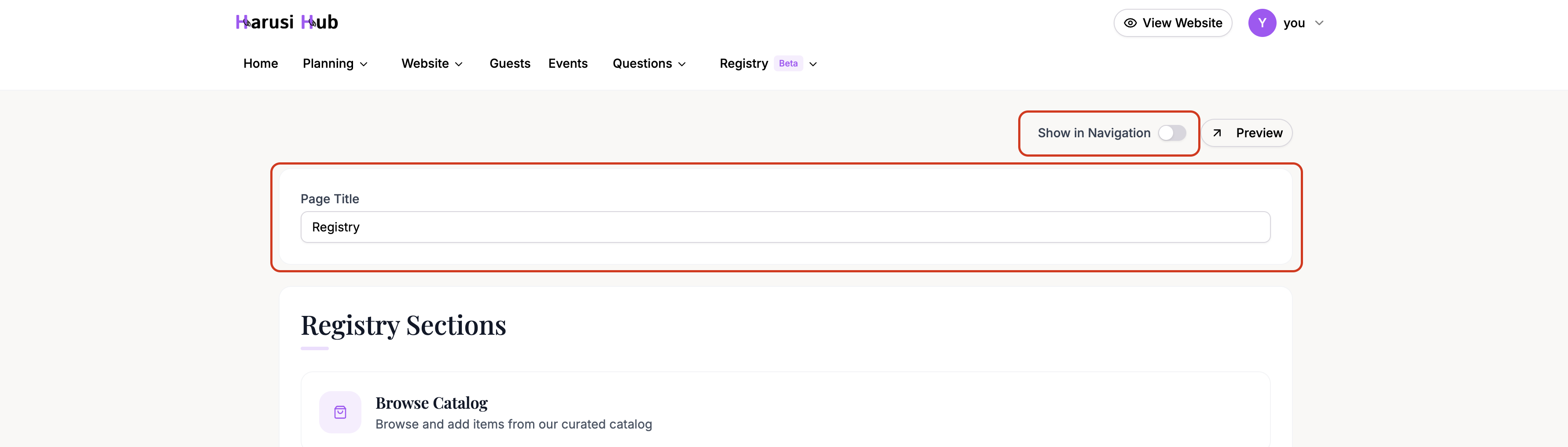
At the top of the Registry Hub you’ll find Page Settings. Here you can:
- Customize the registry page title that guests see on your wedding website.
- Toggle visibility to show or hide the registry link in your website navigation.
Click Preview to see exactly what your guests will see on the public registry page.
Two types of registry items
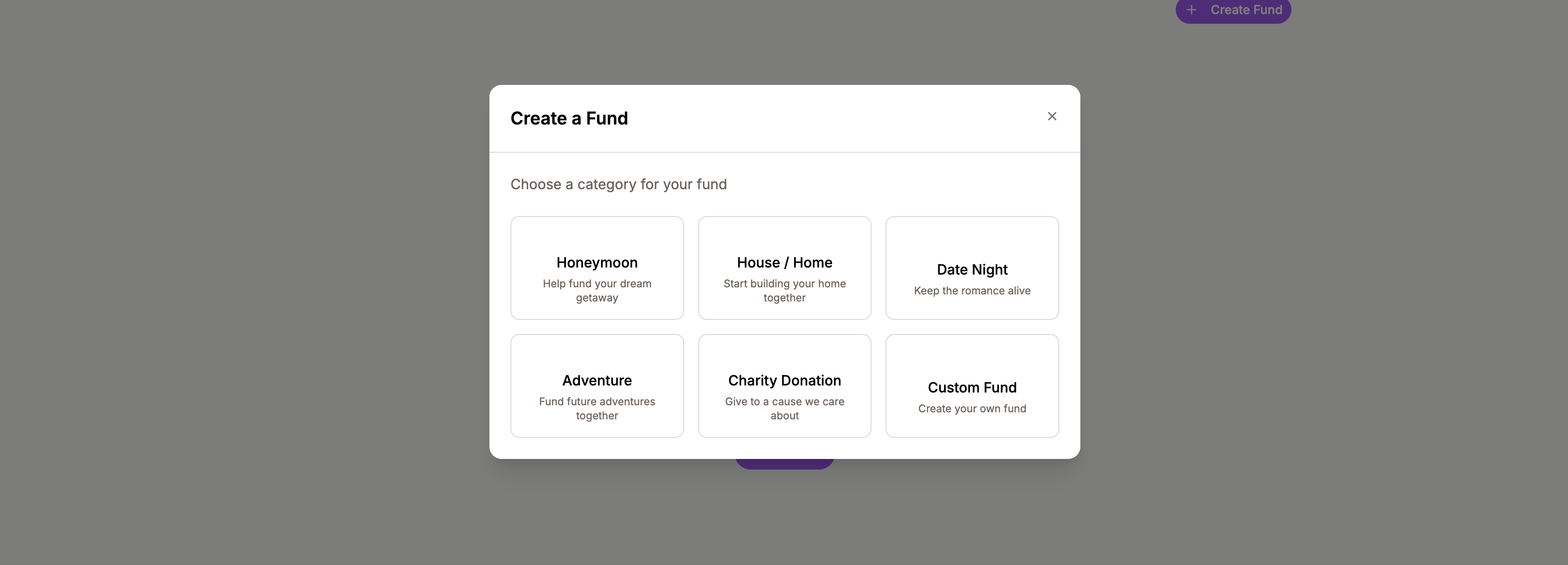
Harusi Hub supports two types of registry items, and you can mix both on the same registry.
Products
Physical gifts from stores. You can browse a curated catalog of partner stores or add custom products manually. Guests can contribute money toward a product or reserve it entirely.
Cash Funds
Monetary contribution goals for things like a honeymoon trip, house deposit, or any custom purpose. Guests contribute any amount toward the fund’s target.
How guests see your registry
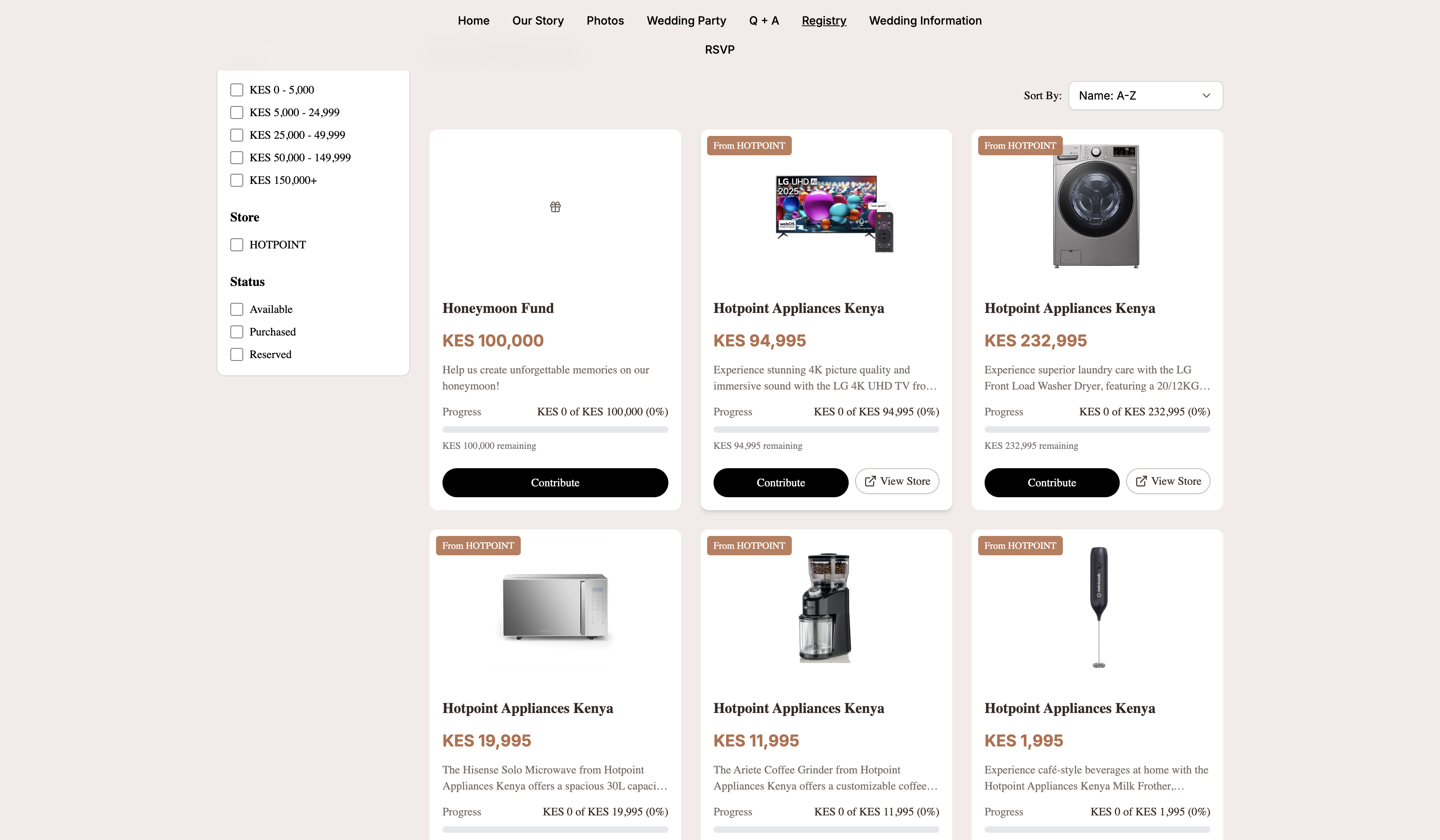
When guests visit your wedding website and click on the registry, they see a public page listing all your products and funds. Guests can:
- Filter items by price range and store.
- Sort items by price, name, or progress.
- Contribute money toward any product or fund.
- Reserve a product to buy it themselves.
Each item shows its contribution progress so guests can see what’s still needed.
Receiving contributions via M-Pesa
Harusi Hub integrates with M-Pesa for receiving guest contributions. When guests contribute, they make a payment via M-Pesa and enter their transaction reference on your registry page.
You can then verify each contribution from the Contributions tab. See the Track Contributions guide for full details.
Next steps
- Add Products to Your Registry — browse the catalog or add custom products.
- Track Contributions — verify, reject, and export guest contributions.