
Planning Phases and Goals
Understand how planning phases and goals keep your wedding preparation on track from start to finish.
Last updated February 21, 2026
Planning a wedding involves dozens of moving parts. Harusi Hub organizes everything into phases and goals so you can focus on the right things at the right time, without feeling overwhelmed.
Understanding Planning Phases
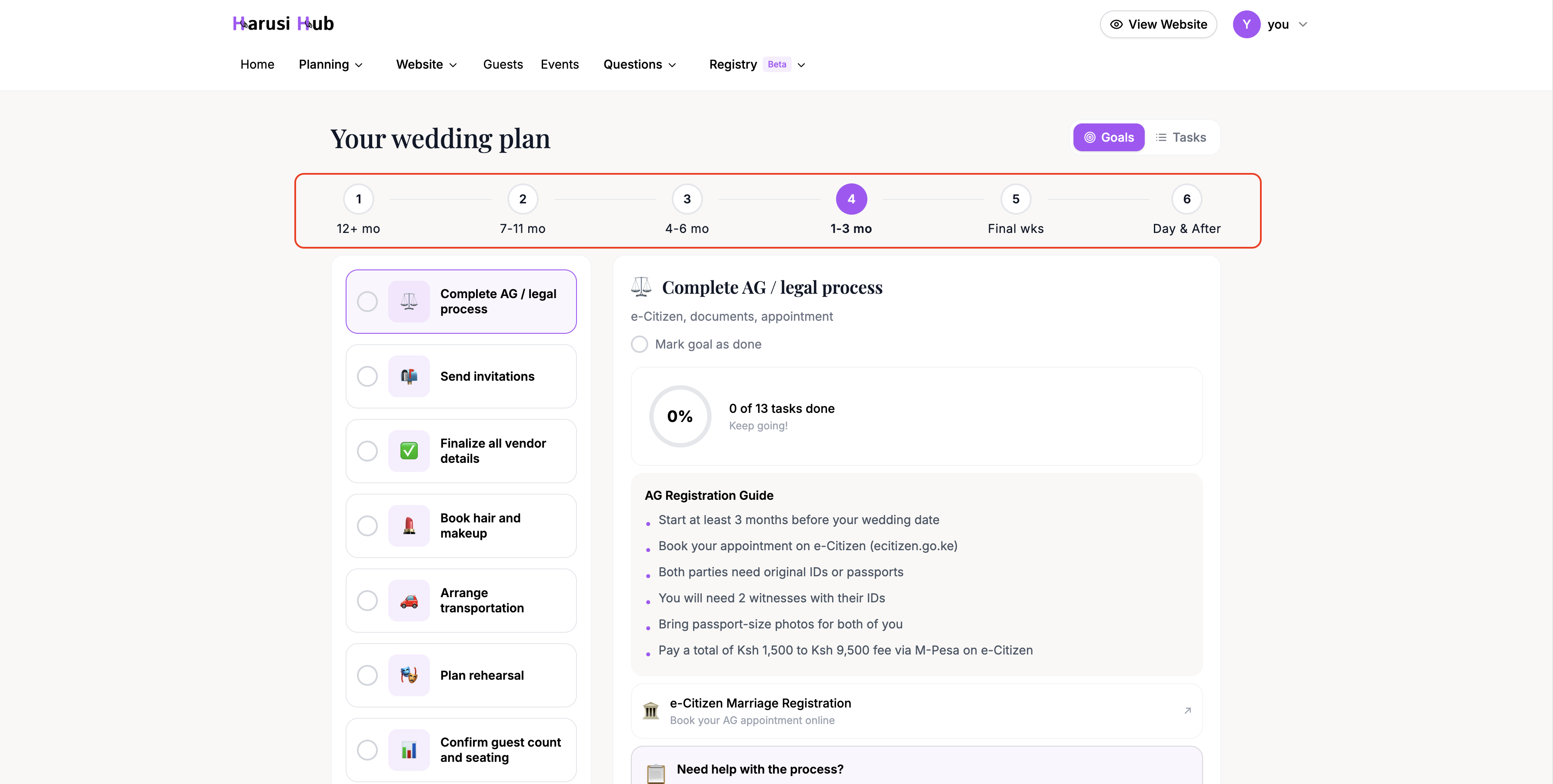
Your wedding planning journey is divided into 8 phases, each tied to a time period relative to your wedding date:
- 12+ months before
- 9-12 months before
- 6-9 months before
- 4-6 months before
- 2-4 months before
- 1-2 months before
- Final weeks
- After the wedding
The system automatically detects which phase you’re in based on your wedding date. You can see the phase timeline displayed as numbered circles connected by lines at the top of the Goals View. Completed phases show a checkmark.
Switching to Goals View
You can access the Goals View in two ways:
- On the Checklist page, toggle from List View to Goals View at the top
- On your Dashboard home, the planning phases section shows your current phase and goals
Goals View organizes your tasks around specific objectives rather than by date or category. Each goal represents a concrete milestone like “Book your venue” or “Choose your attire.”
Exploring Goals
Desktop Layout
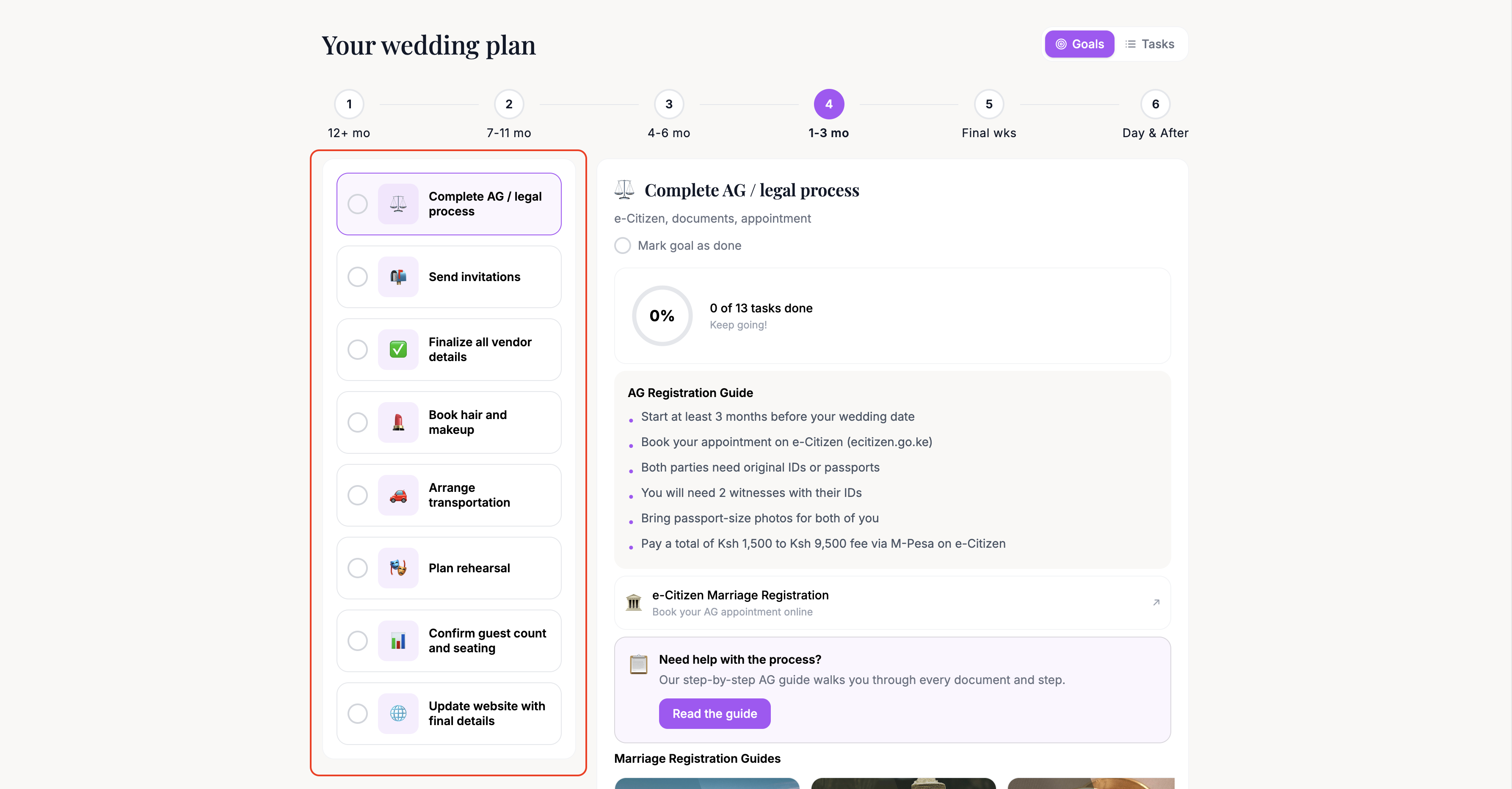
On desktop, you’ll see a goals sidebar on the left listing all goals for the current phase. Each goal shows its name and completion status. Click any goal to open the Action Panel on the right side.
Mobile Layout
On mobile, goals appear as horizontal scrollable chips at the top of the screen. Tap a chip to open that goal’s Action Panel below.
The Action Panel
When you select a goal, the Action Panel opens with everything you need to work on that goal:
Things to Do
The checklist items specifically tied to this goal. You can check them off directly from here without leaving the Goals View.
Tips
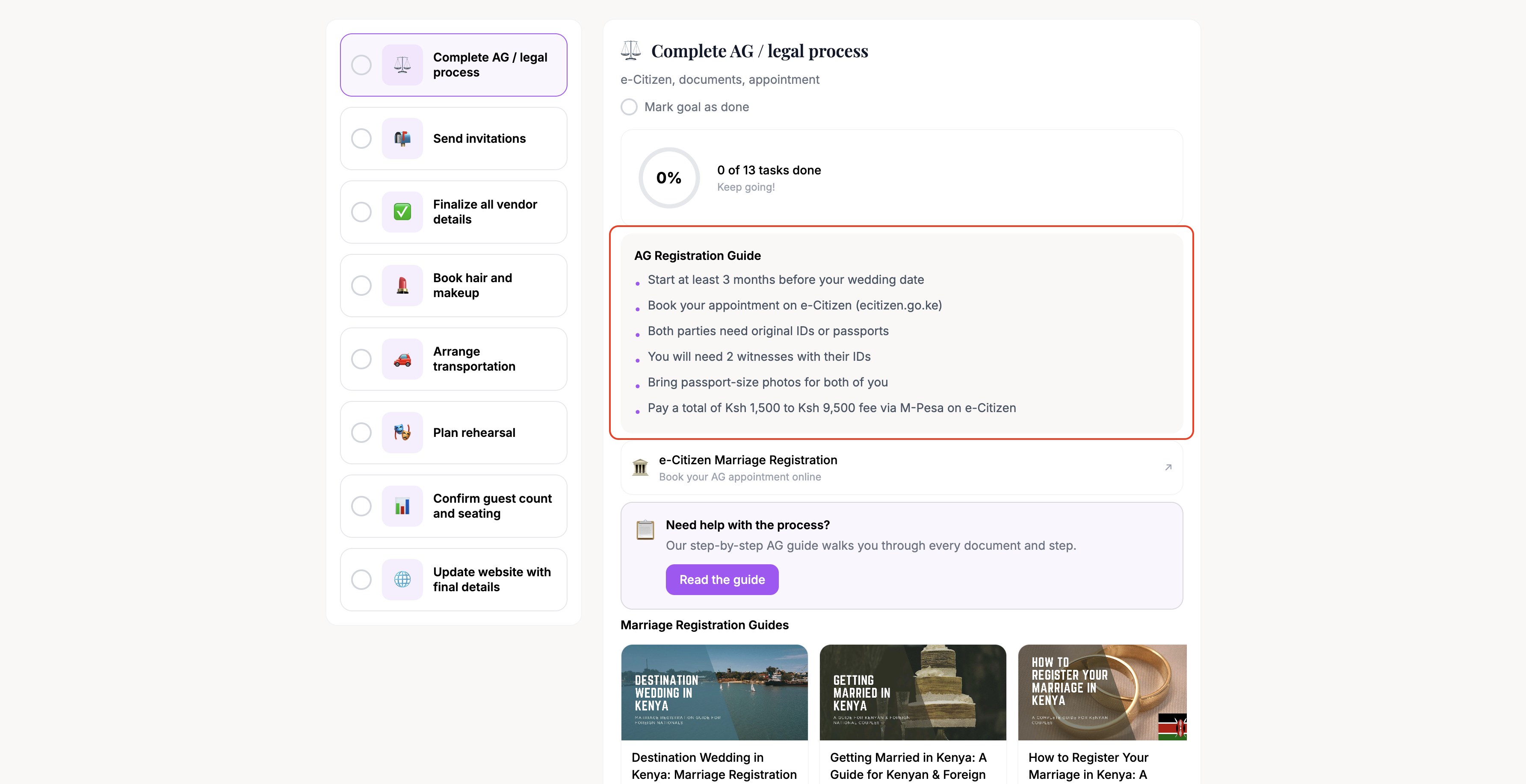
Actionable advice related to the goal. These are short, practical suggestions to help you make decisions and avoid common pitfalls.
Vendor Carousel
Recommended vendors filtered by the goal’s category. For example, the “Book your venue” goal shows venue vendors, while “Choose your caterer” shows food and drink vendors. You can browse and save vendors directly from here.
Blog Articles
Relevant blog posts filtered by the goal topic. These provide deeper guidance and inspiration for that stage of your planning.
Action CTAs
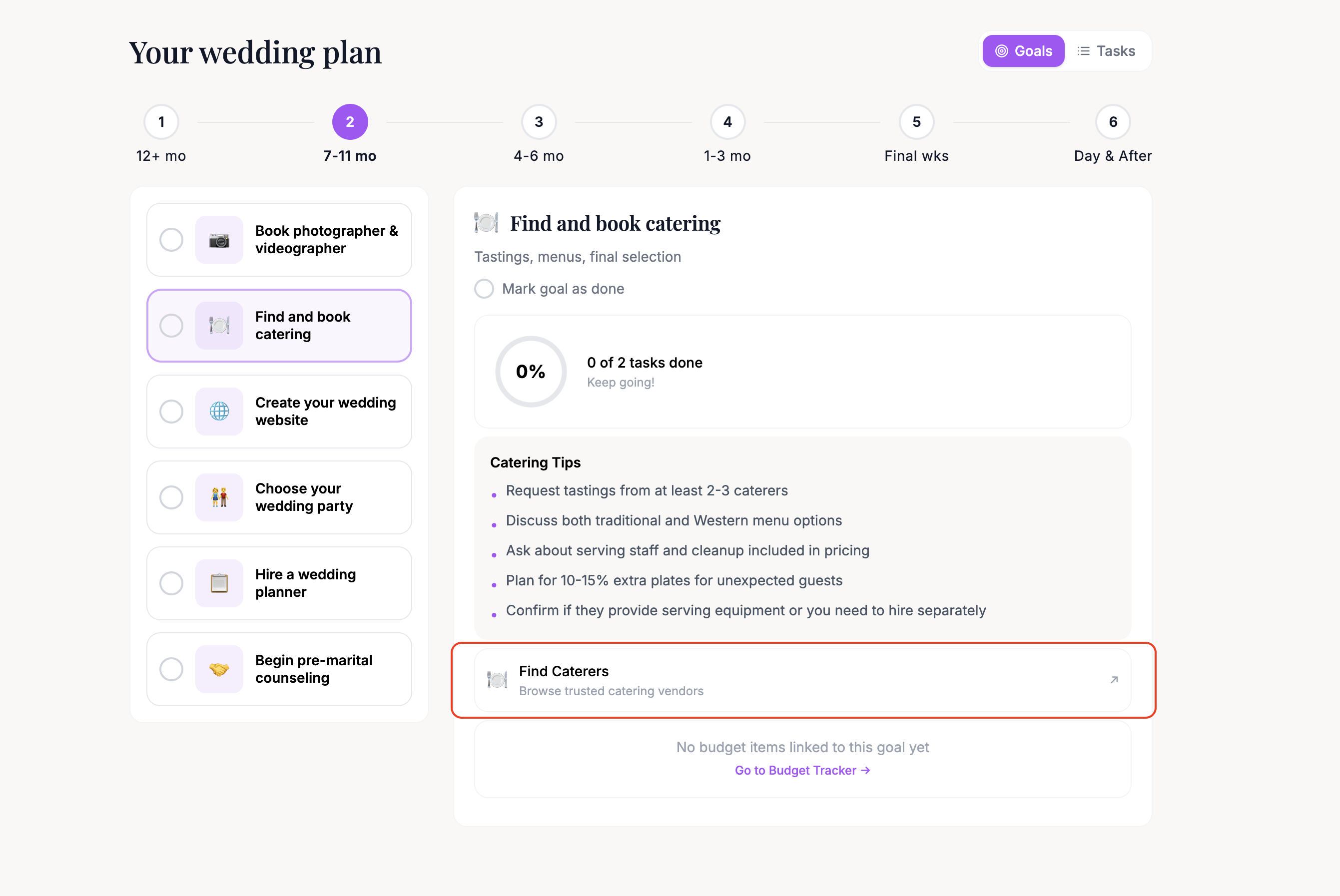
Buttons that link directly to the relevant dashboard sections. For example, a venue goal might link you to your vendor search, while an invitations goal links to your guest list.
Progress Ring
A circular progress visualization showing how far along you are with this specific goal. As you complete the associated checklist items, the ring fills up.
Marking Goals as Complete
You can mark a goal as complete using the completion toggle in the goal header within the Action Panel. When all checklist items for a goal are done, the goal is considered fully complete, and its phase circle on the timeline updates with a checkmark once all goals in that phase are finished.
Working through your goals phase by phase is the most effective way to stay organized. Focus on your current phase first, then move forward as your wedding date approaches.