
Invite Your Partner to Co-Plan
Add your partner as a co-planner so you can manage your wedding together from the same account.
Last updated May 4, 2026
Wedding planning is a team effort. Harusi Hub lets you invite your partner to co-plan so both of you have full access to manage everything together.
How to Invite Your Partner
- Go to Dashboard > Team
- Click the Partner tab
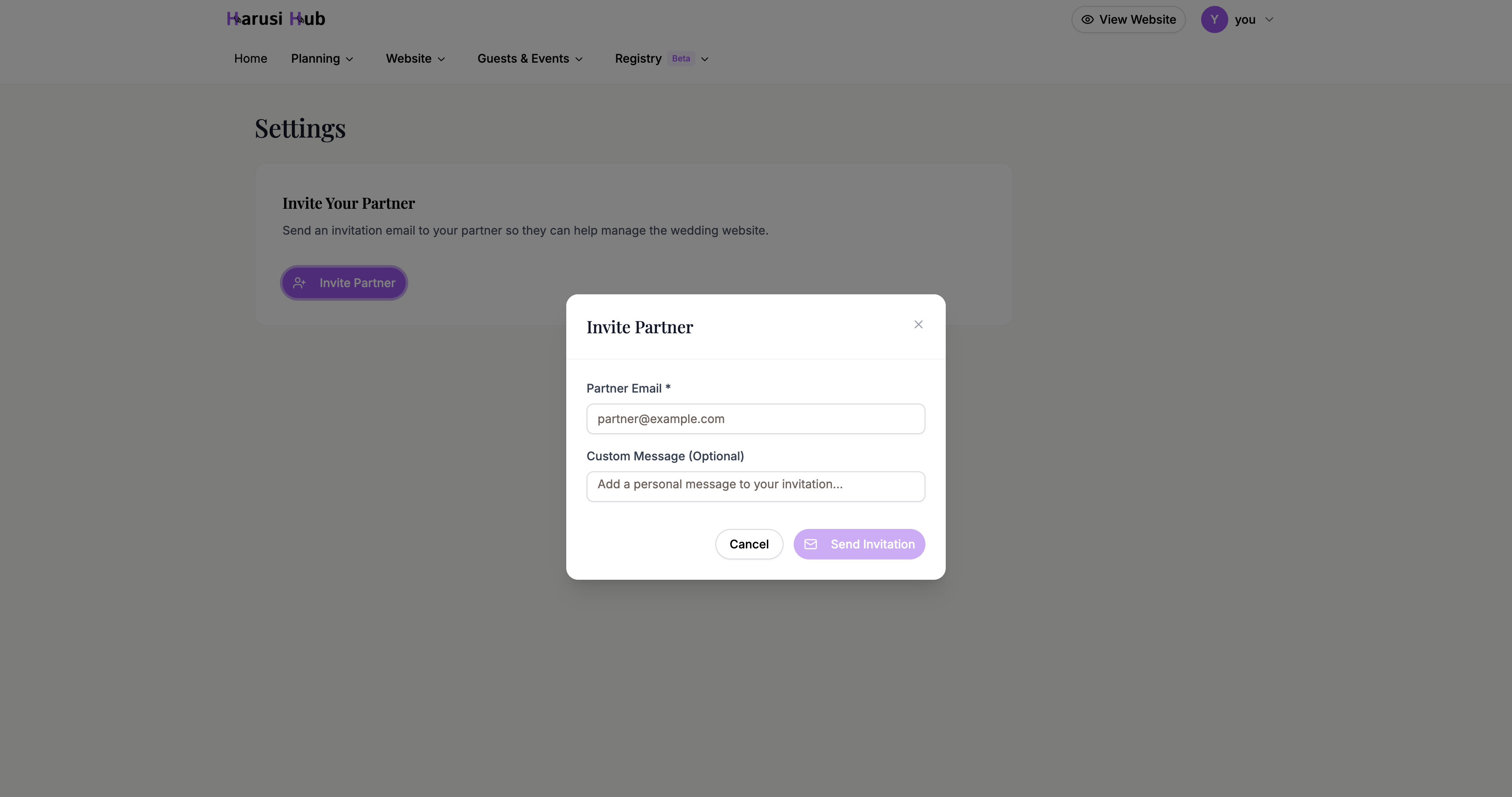
- Click Invite member
- Enter your partner’s email address
- Click Send invite
Your partner will receive an email invitation to join your wedding on Harusi Hub. Once they accept, they’ll have full co-owner access to your wedding dashboard.
Sharing the Invite Link
If you’d prefer to send the invitation directly, you can share the invite link through several channels:
- WhatsApp — sends a pre-filled message with the invite link
- Email — opens your email client with the link ready to send
- SMS — sends a text message with the link
- Copy Link — copies the invite link to your clipboard so you can paste it anywhere
Click the Share button next to your pending invitation to see all sharing options.

Invitation Expiration and Resending
Invite links expire after a set period for security reasons. If your partner hasn’t accepted in time, you can easily resend the invitation:
- Go back to Dashboard > Team > Partner
- You’ll see the expired invitation listed
- Click Resend to generate a fresh invite link
What Your Partner Can Access
Once your partner accepts the invitation, they get full co-owner access. This means they can do everything you can:
- Edit the wedding website
- Manage the guest list and RSVPs
- Update the budget and registry
- Review registry activity from the registry dashboard
- Adjust settings and preferences
Both of you can work on the wedding at the same time without any restrictions.

Bridal Party Collaborators
In addition to your partner, you can also invite bridal party members as collaborators with limited permissions. This is useful for delegating specific tasks — like managing the guest list or coordinating the schedule — without giving full access to your account.
To add bridal party collaborators, switch to the Bridal party tab on the Team page and send invites from there. You can customize what each collaborator can see and do.